
How to Extend Your Pokémon Hunt: Battery-Saving Tips
Published: 26.07.2016
Add Events
The latest sensation in the gaming world, “Pokémon GO,” which allows players to hunt Pokémon outdoors, has also gained immense popularity in Latvia. Meanwhile, Pokémon hunters increasingly find themselves wondering: will the smartphone battery last until the next PokéStop, or will it run out before they can throw a Poké Ball toward Pikachu? Therefore, Samsung product specialist Jānis Lejnieks points out that the safest way to avoid being left with a black screen at the most exciting moment of the game is to fully charge your phone before leaving home and take a portable battery with you. However, he also reveals several other simple tricks that will let you search for Pokémon for as long as possible.
Check the game settings
The popular game really does consume a lot of phone resources, as both the camera and GPS signal operate simultaneously. The developers of “Pokémon GO” have also considered ways to prevent the phone from running out of power too quickly—the “Battery Saver” mode serves this purpose. To activate it, first click on the “Poké Ball” at the bottom of the screen and then on “Settings”—there you will find the “Battery Saver” button.
Although catching Pokémon in the real world is perhaps the most interesting part of the game, you can save battery power by turning off “Augmented Reality.” You can do this by clicking the “AR” button in the upper-right corner of the screen. The real surroundings will then be replaced by a digitally created environment, consuming fewer resources and allowing you to catch Drowzee, Gastly, Pidgey, Oddish, and other Pokémon for a little longer.
Bring a battery with you
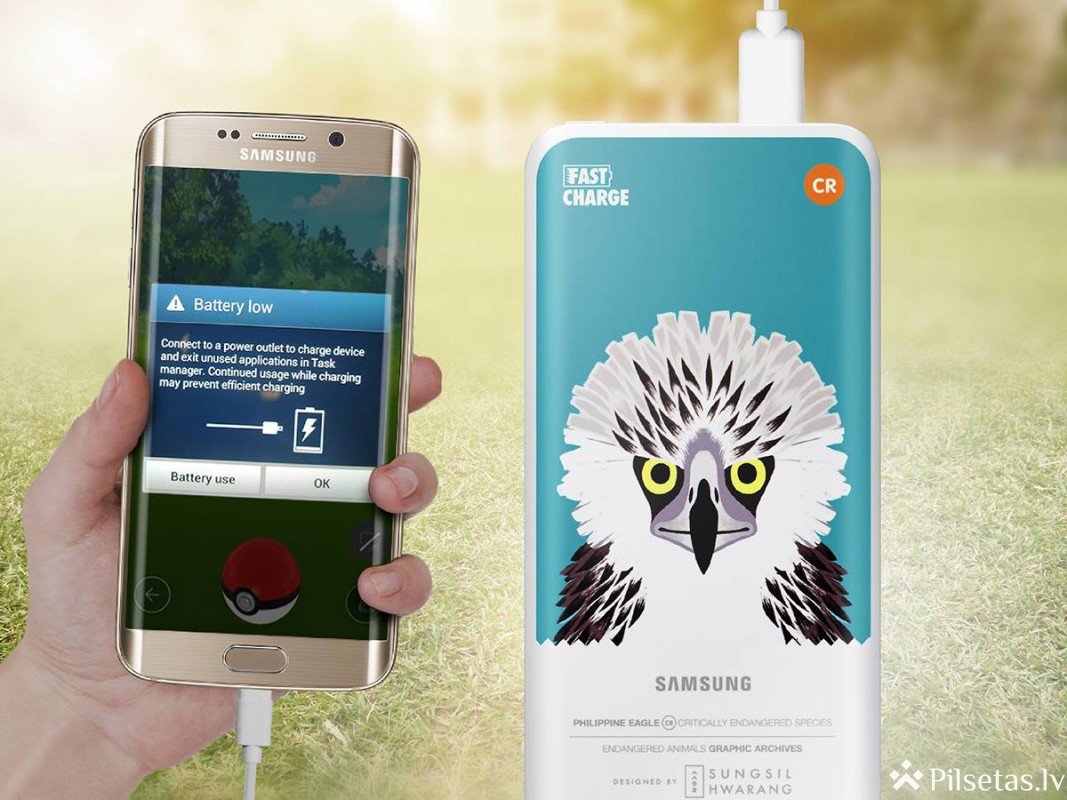
If your smartphone is about to run out of power during the game, a portable battery is a convenient solution. They are usually small and lightweight, take up little space in a bag or pocket, and allow you to charge your smartphone conveniently anywhere and at any time. For example, a Samsung portable battery with a capacity of 5200 mAh can charge a phone at least twice and provide a full charge in approximately 90 minutes, depending on the phone model.
A darker screen and quieter sound
A simple way to postpone frequent charging for a little longer is to change the screen-brightness settings—choose a darker screen instead of a bright one. Even if the screen initially seems too dark, your eyes will gradually adjust, saving a little battery power as well.
Turn off what you do not need
Before launching “Pokémon GO,” consider whether apps running in the background have been closed and Bluetooth, Wi-Fi, and other functions that are not needed at that moment have been deactivated. You can also turn off sound and vibration—the effect may not be immediately obvious, but it will contribute to a longer playing time.
For the especially impatient
There is also a solution for situations when very little time is available to charge the phone: the fast-charging function. For example, a Galaxy S7 can be fully charged in as little as 90 minutes when charged with a cable. To use this option, you need to choose a charger that supports fast charging.
Similarly, the Samsung expert urges players to be cautious and remain aware of their surroundings while playing, avoiding unnecessary risks to themselves and those around them.